
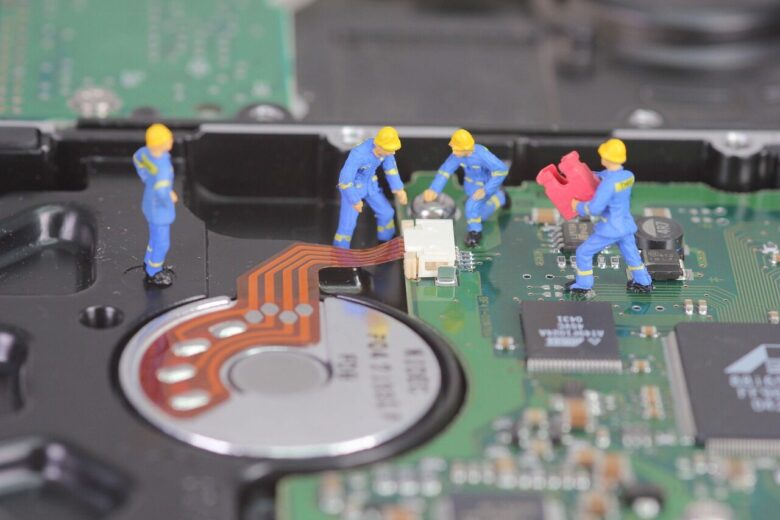
Before calling a technician, restart your PC, check cables, update drivers, scan for malware, and clear disk space. Many slowdowns, freezes, and connection issues have simple fixes.
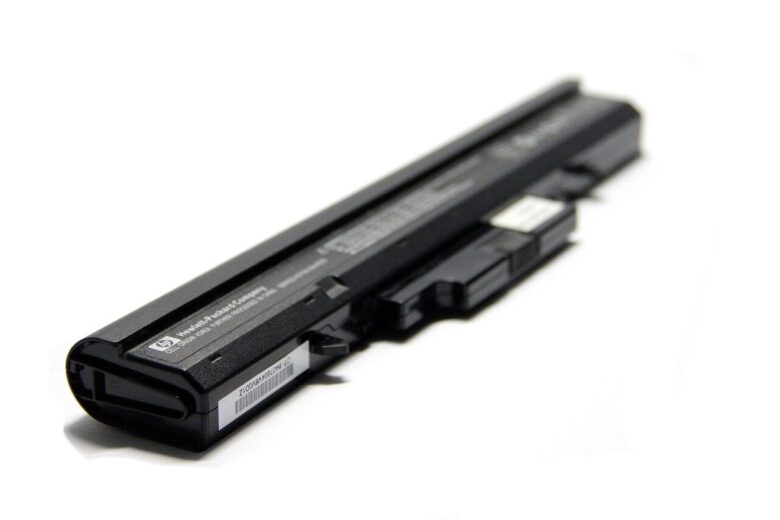
Replace your laptop battery if it drains quickly, shuts down unexpectedly, won’t charge fully, swells, or shows a “service battery” warning despite normal use.

Before paying for computer repair, check power, cables, error messages, backups, warranty status, and recent software changes to avoid unnecessary service costs.
Slow computer? Common causes include too many startup apps, low storage, outdated software, or malware. Check Task Manager, free disk space, update drivers, and scan for threats.
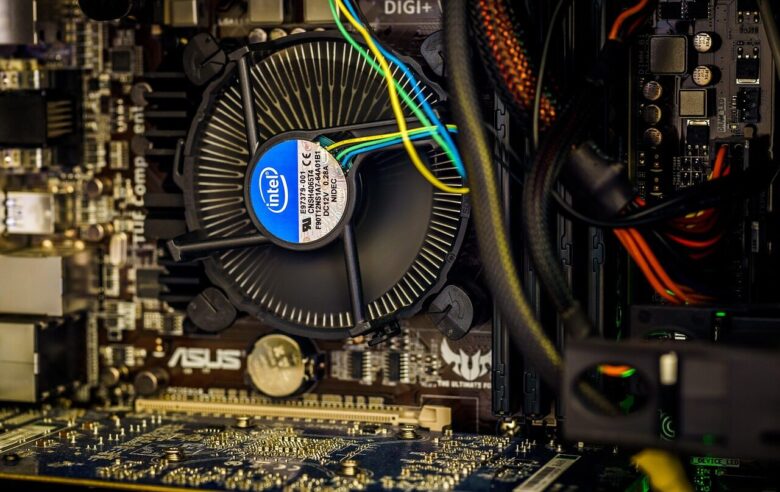
PC overheating often starts with dust, poor airflow, or aging thermal paste. Learn key warning signs and safe fixes to protect performance and prevent component damage.