
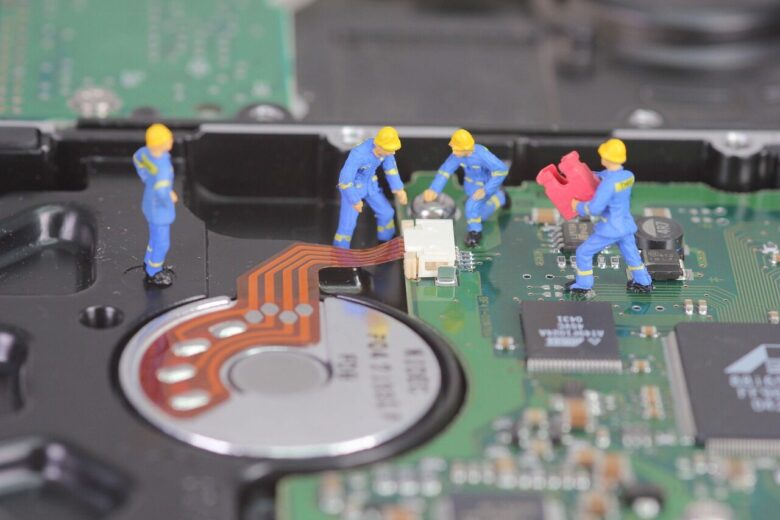
Before calling a technician, restart your PC, check cables, update drivers, scan for malware, and clear disk space. Many slowdowns, freezes, and connection issues have simple fixes.
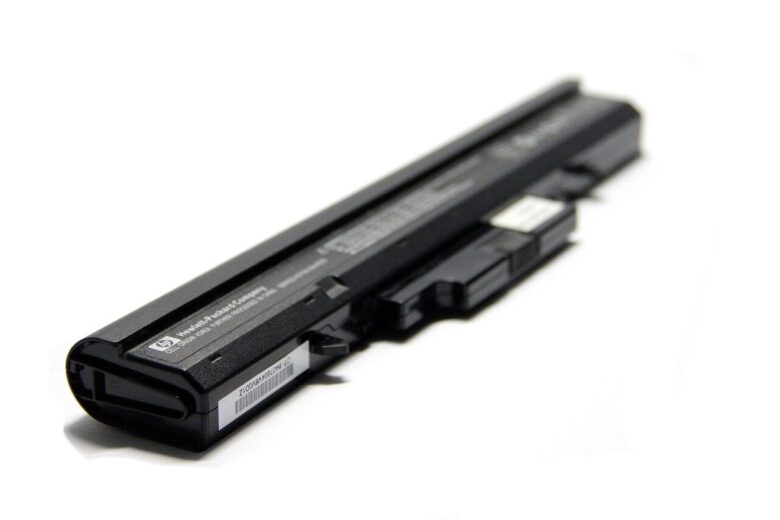
Replace your laptop battery if it drains quickly, shuts down unexpectedly, won’t charge fully, swells, or shows a “service battery” warning despite normal use.

Before paying for computer repair, check power, cables, error messages, backups, warranty status, and recent software changes to avoid unnecessary service costs.
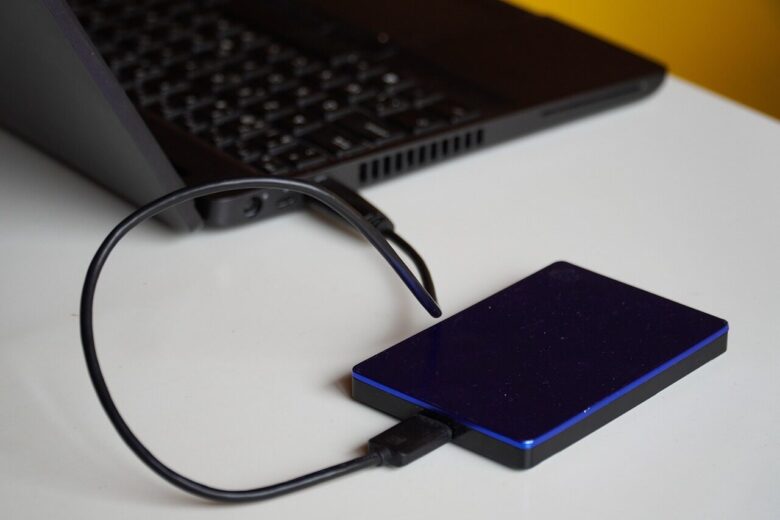
Cloud backup protects files from theft, fire, and drive failure, while an external drive offers offline control. The safest choice is often using both for layered protection.
Slow computer? Common causes include too many startup apps, low storage, outdated software, or malware. Check Task Manager, free disk space, update drivers, and scan for threats.

Start your new PC with essential software: a secure browser, antivirus, backup tool, office suite, media player, and password manager.
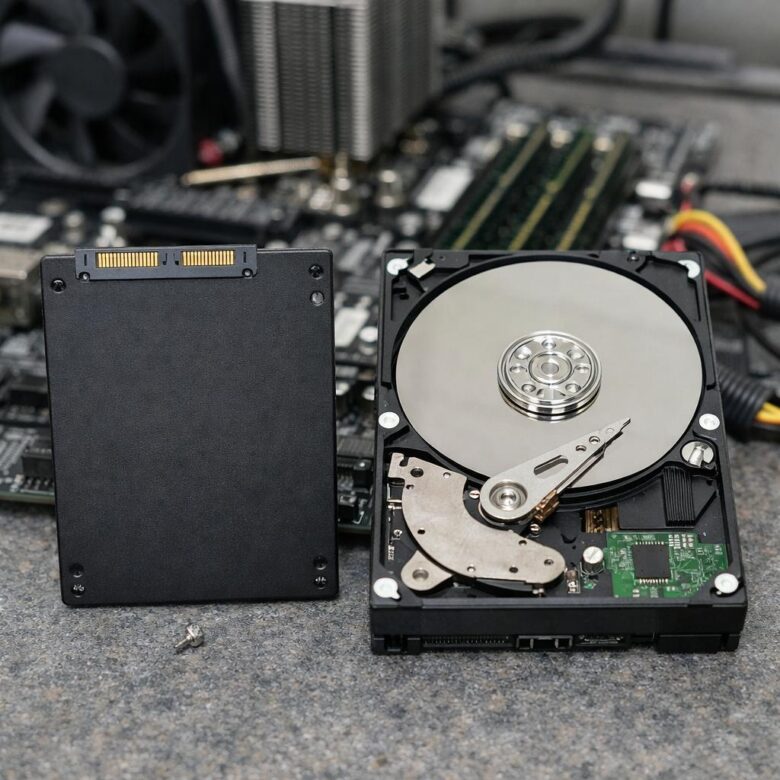
SSD vs HDD: Choose an SSD for faster boot times, app launches, and quiet operation. Pick an HDD when you need low-cost bulk storage for media, backups, or archives.

Password managers create and store unique, encrypted logins, reducing reuse and phishing risk while making secure access easier across your PC, browser, and devices.
Antivirus blocks malware on your device, while Internet Security adds firewall, phishing defense, privacy tools, and safer browsing protection.
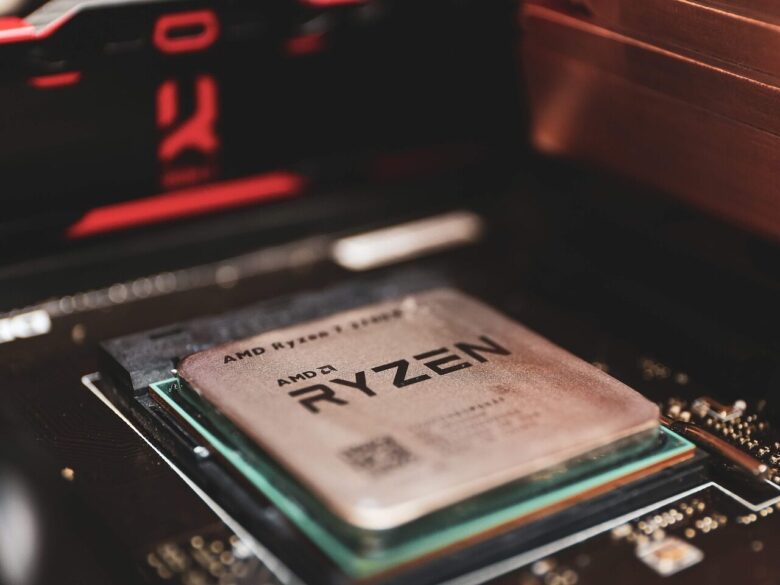
RAM needs vary: 8GB suits basic study and office work, 16GB is the sweet spot for multitasking and most games, while 32GB helps creators, developers, and heavy gamers.